EXPLORATION 03 / Dayline
A clearer timeline.
For every creative step.
Outline, shoot, edit, deliver. Dayline brings projects, stages and calendars together so creators can see the order of work—and understand what changes when a plan moves.
- WHO IT’S FOR
- Video creators · Independent makers
- PLATFORMS EXPLORED
- Mac / iPhone
- CURRENT STAGE
- In development
See the project as it is.
Switch views to explore hardware and interfaces.
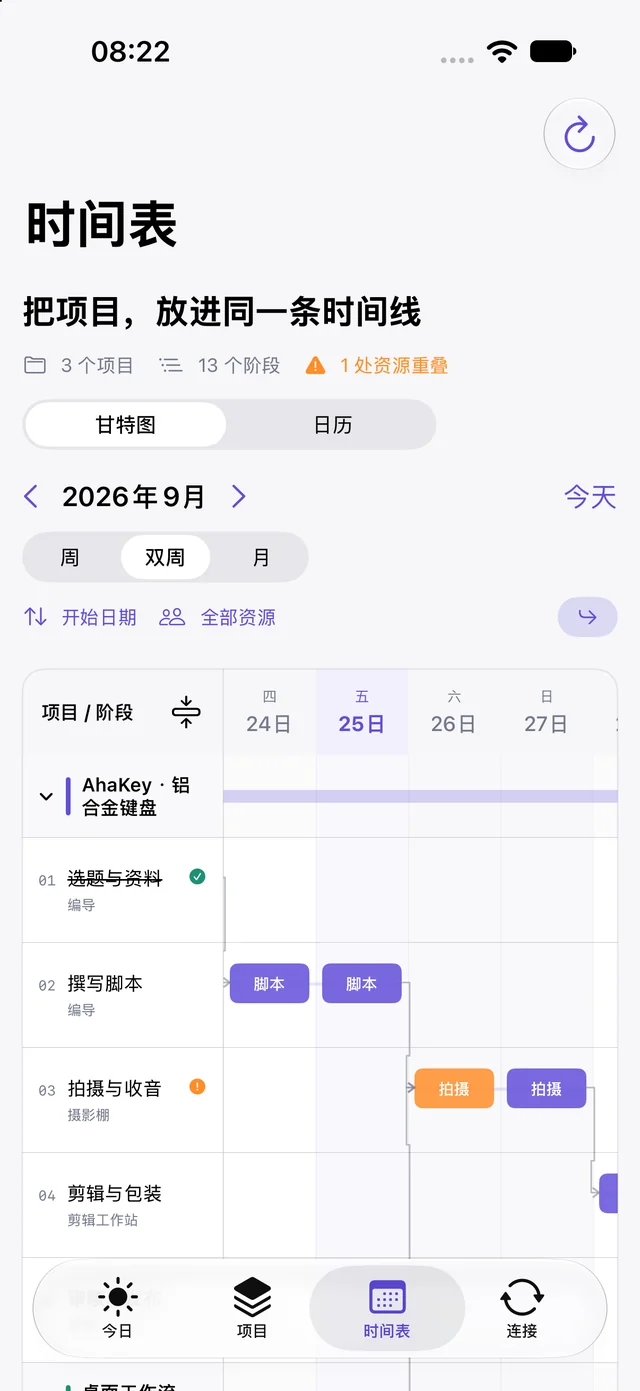
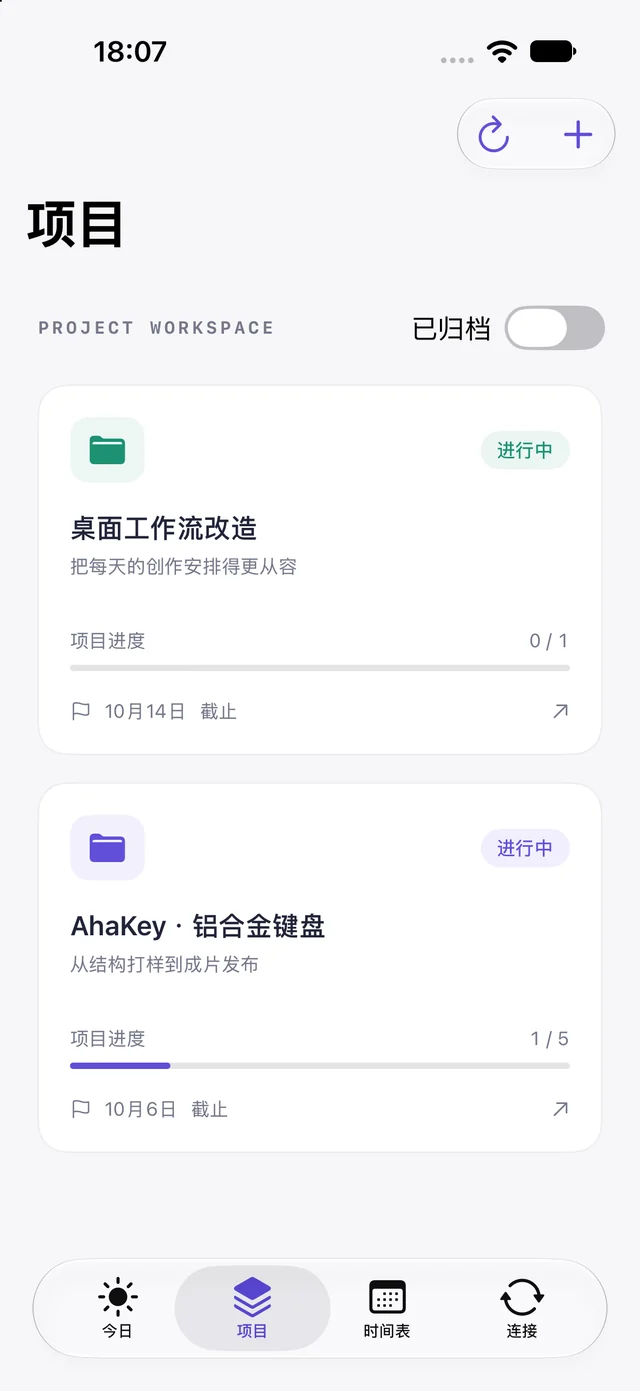
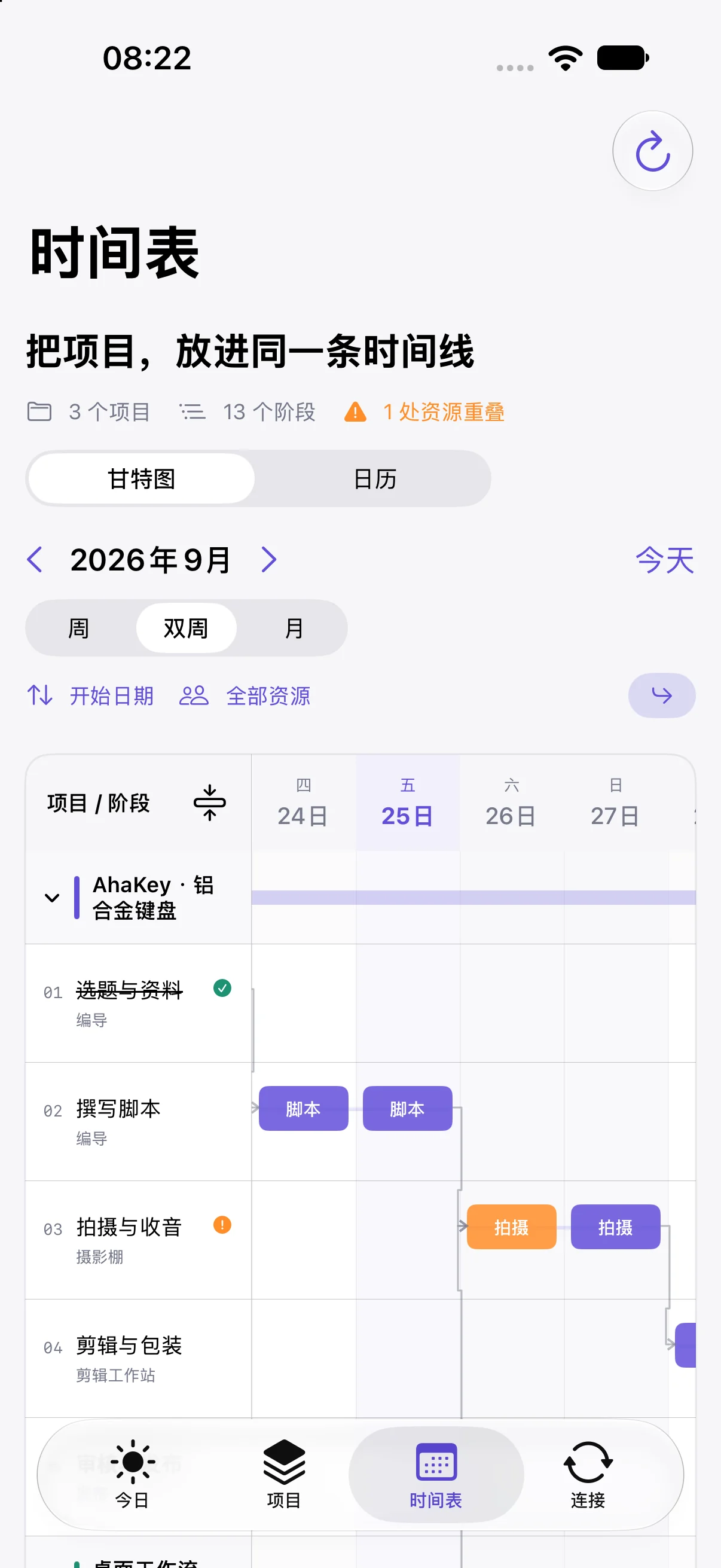
See the ripple of a schedule change.
Switch the plan to explore the illustrative timeline.
Illustration: outline → shoot → edit, arranged by dependency.
This interactive illustration explains a design direction. It is not a product screenshot or a live service.
THE QUESTION
When one stage moves, what happens next?
A calendar records time, but it does not always explain the relationships between tasks. With several projects in motion, creators also need to see what comes first, what depends on it and what a change will affect.
Unfold a project
Break a delivery goal into stages, connecting effort, dates and dependencies on one timeline.
Understand a change
Review dependencies and resource conflicts before rescheduling. Preserve existing plans and make recovery understandable.
Continue across devices
Developing continuity between Mac and iPhone, with Apple Calendar coordination. Project data and calendar events follow separate sync paths.
THE EXPERIENCE
An idea.
A path to use.
- 01
Define
Set a delivery goal and its production stages.
- 02
Schedule
Consider effort, dependencies and available time.
- 03
Refine
Understand changes and continue on another device.
A WORK IN PROGRESS
Refining local scheduling and local-network sync.
Project stages, dependencies and calendar workflows are implemented, with selected Mac and iPhone scenarios verified. Reconnection, clearer sync states and long-term reliability remain in development. Cross-network continuity is not a delivered capability.
Talk about this project