EXPLORATION 04 / Homeworld
Before moving in,
step into the idea.
Move beyond the floor plan. Arrange furniture, compare materials and explore a real residential design across screens and spatial computing devices.
- WHO IT’S FOR
- People exploring their own living spaces
- PLATFORMS EXPLORED
- Web / Mac / iPad / Vision Pro
- CURRENT STAGE
- In validation
See the project as it is.
Switch views to explore hardware and interfaces.
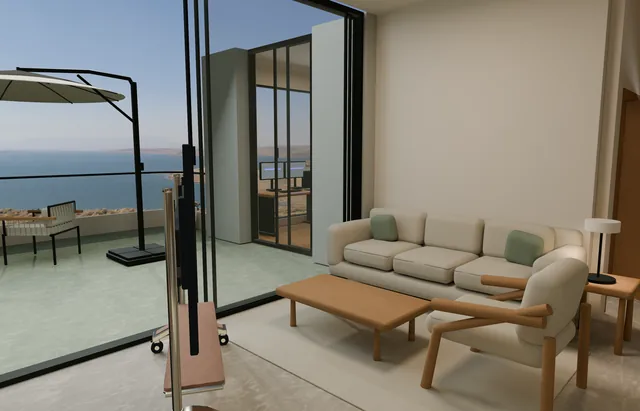
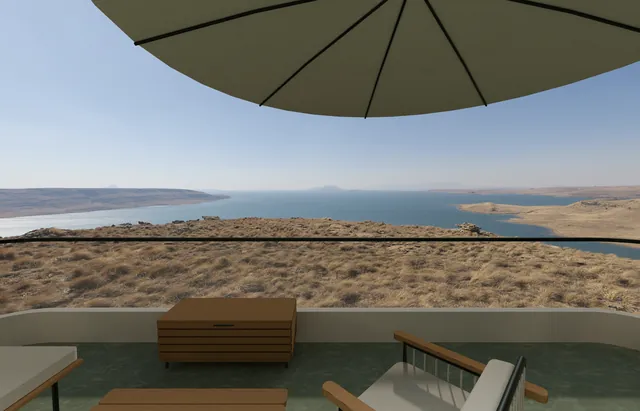
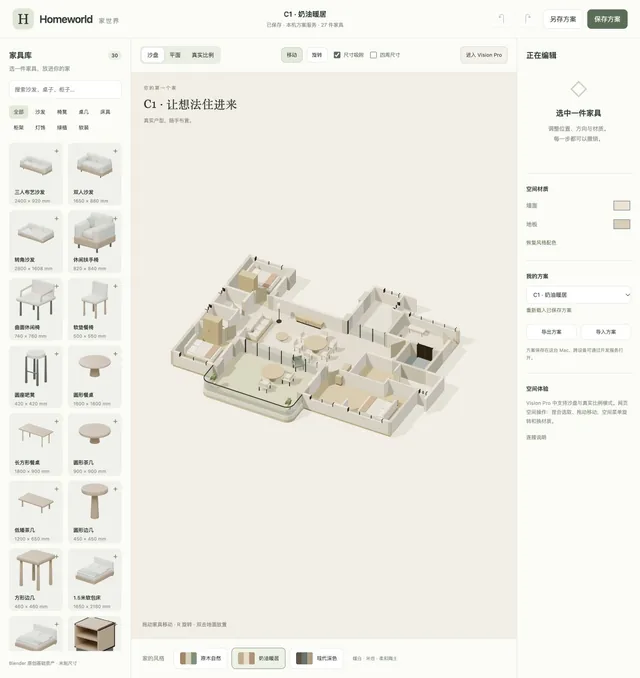
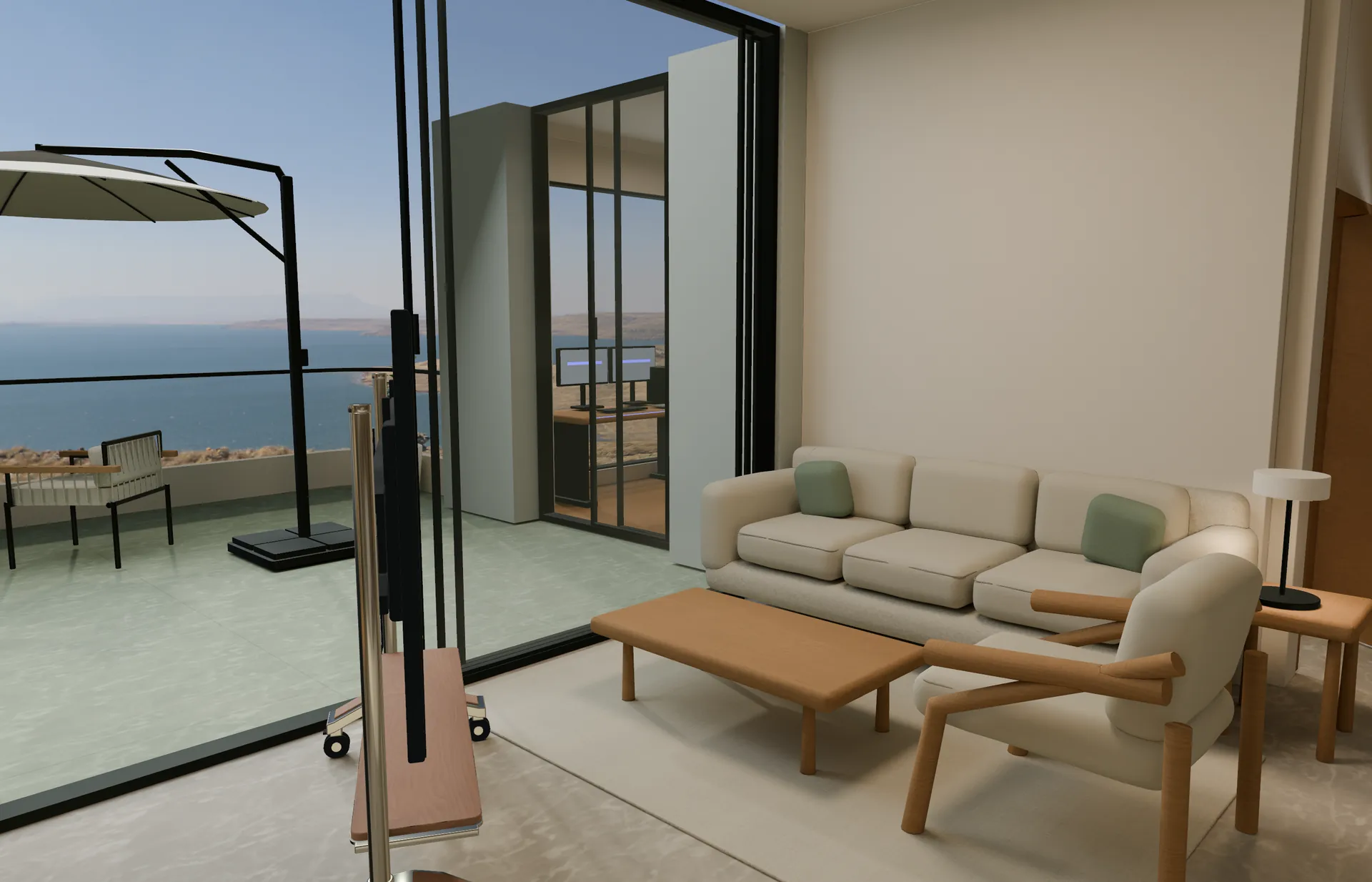
One space. Two ways to spend your time.
Switch layouts to explore the furniture arrangement.
Layout illustration: seating around a table creates a shared center.
This interactive illustration explains a design direction. It is not a product screenshot or a live service.
THE QUESTION
Beyond a floor plan, how will it feel to live here?
Furniture fitting a room does not necessarily make it comfortable. A design needs comparison and revision—and a human perspective on scale, movement and atmosphere. Homeworld begins with one real home.
Give ideas a place
Edit a residential layout with furniture and materials, preserving drafts that can be reopened and refined.
Compare ways of living
Explore different furniture positions and material combinations in the same space.
Experience the scale
Investigate editing and viewing on the web, Mac, iPad and Vision Pro, with life-size exploration and daylight scenes.
THE EXPERIENCE
An idea.
A path to use.
- 01
Understand
Start from an existing home and everyday needs.
- 02
Arrange
Adjust furniture, materials and spatial choices.
- 03
Experience
Explore scale and atmosphere, then refine the plan.
A WORK IN PROGRESS
Validating an experience around one real home.
Development currently centers on the C1 residential plan. Multi-device editing, saving and spatial viewing have implementations and focused validation. Sustained performance and the complete cross-device workflow still need verification. Arbitrary floor plans, collaboration and construction-grade conclusions are outside the current scope.
Talk about this project