EXPLORATION 02 / TouchCity
A city you love.
A place on your desk.
Choose a meaningful place on a map. Turn roads, water, buildings and landmarks into an artistic miniature, refine its colors and move toward a model you can make.
- WHO IT’S FOR
- City miniature & multicolor 3D printing enthusiasts
- PLATFORMS EXPLORED
- Web / 3D printing
- CURRENT STAGE
- Evolving
See the project as it is.
Switch views to explore hardware and interfaces.
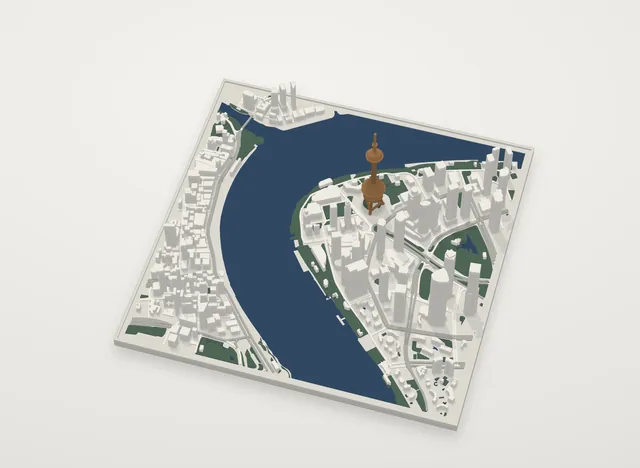
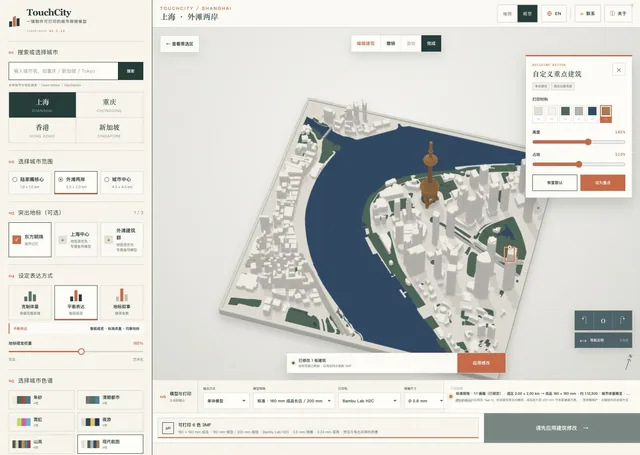
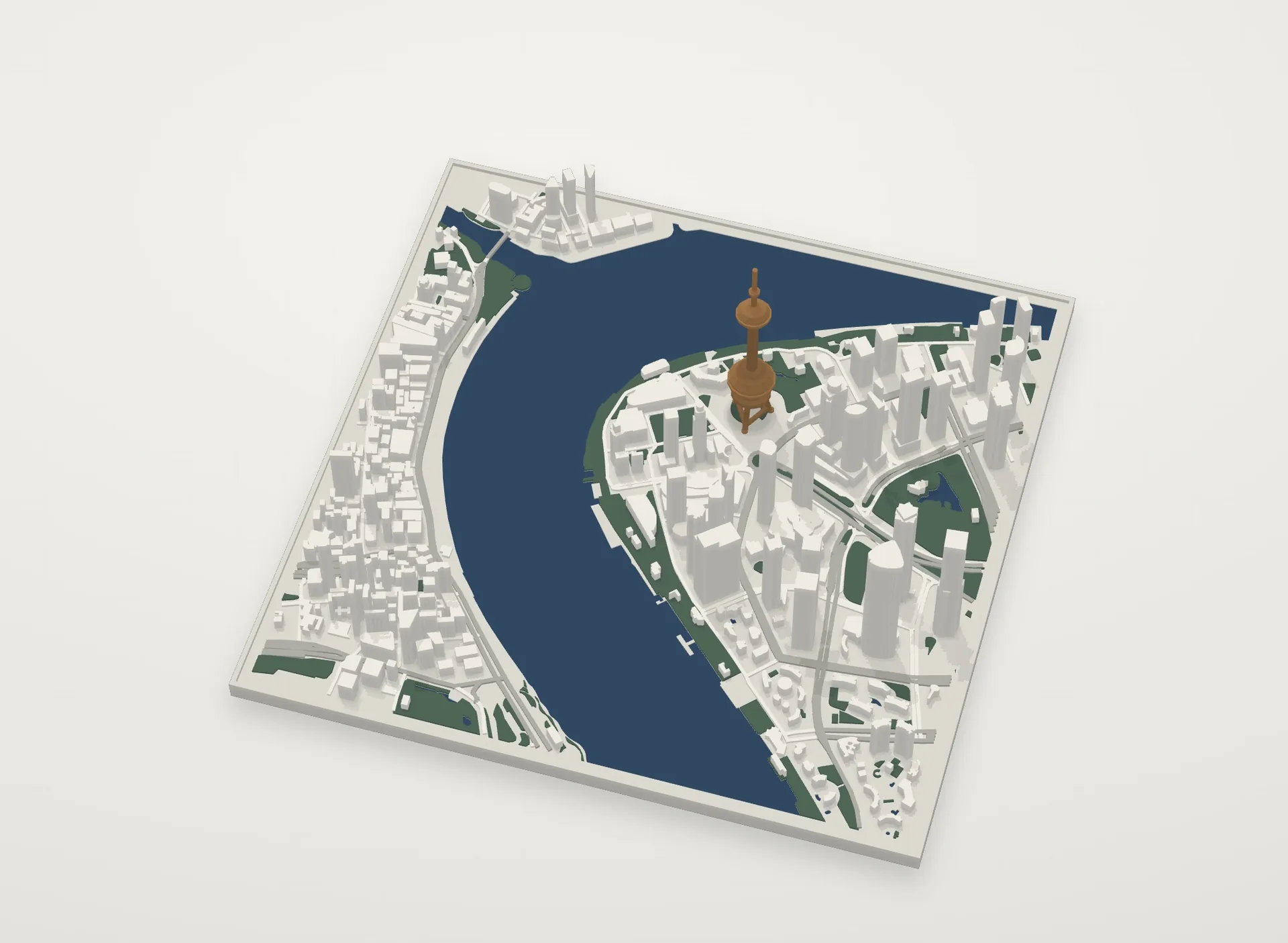
One miniature. More than one mood.
Choose a palette to change the city’s colors.
Palette illustration: forest green and warm ivory.
This interactive illustration explains a design direction. It is not a product screenshot or a live service.
THE QUESTION
Can a familiar neighborhood become a physical keepsake?
Maps describe cities. Miniatures hold a personal connection to a place. TouchCity connects area selection, model expression and print preparation, starting from somewhere familiar.
Begin on a map
Select an area and organize buildings, roads, water and greenery into a miniature composition.
Make the colors yours
Explore landmark and building-group edits, immediate color changes and height adjustments.
Move toward making
Use multi-material 3MF output with a slicing workflow, while validating size, nozzle and material constraints.
THE EXPERIENCE
An idea.
A path to use.
- 01
Select
Choose a city or a familiar neighborhood.
- 02
Personalize
Preview the model and adjust landmarks, colors and heights.
- 03
Make
Export a 3MF file, slice for your setup and test-print.
A WORK IN PROGRESS
From an online model toward a reliable physical object.
Selection, generation, recoloring and 3MF download workflows exist, with representative city files and slicer imports validated. Physical print quality and landmark recognition still need checks for specific cities and setups. Map coverage and accuracy vary; terrain exploration is currently a single-tile beta.
Talk about this project