
Connect your computer
Use macOS Screen Sharing. Ordinary screen sharing needs no assistant.
CANDESK / YOUR REMOTE WORKSPACE
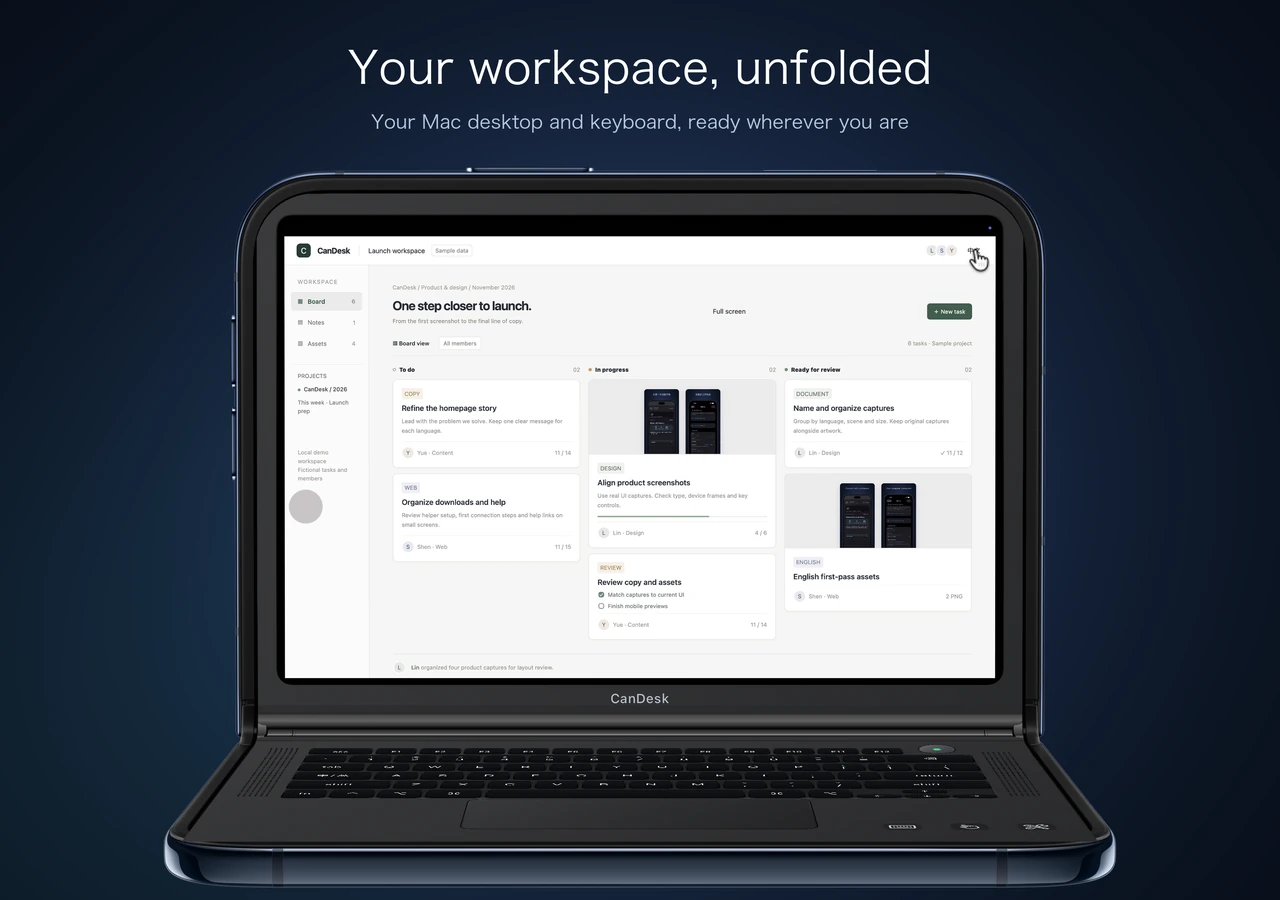
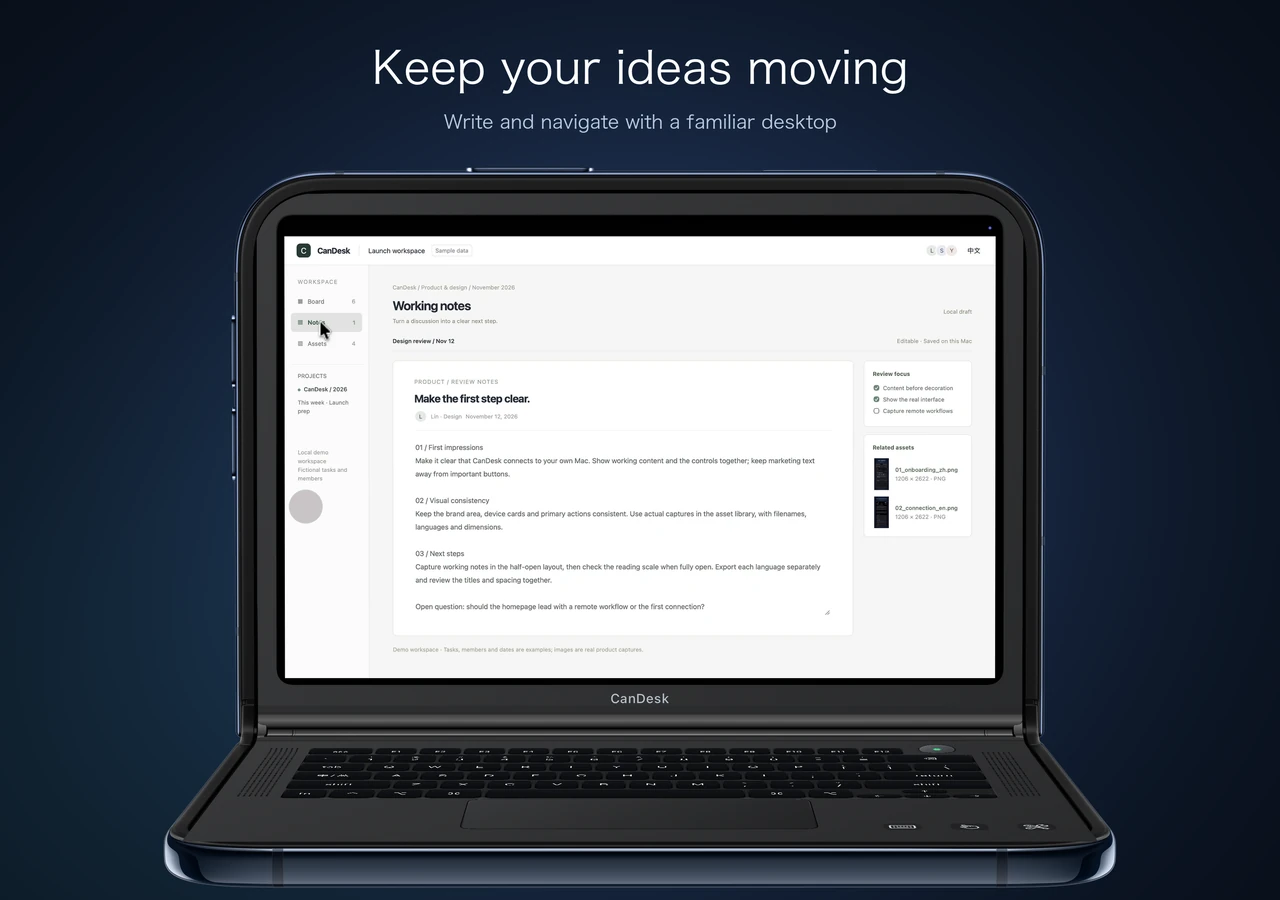
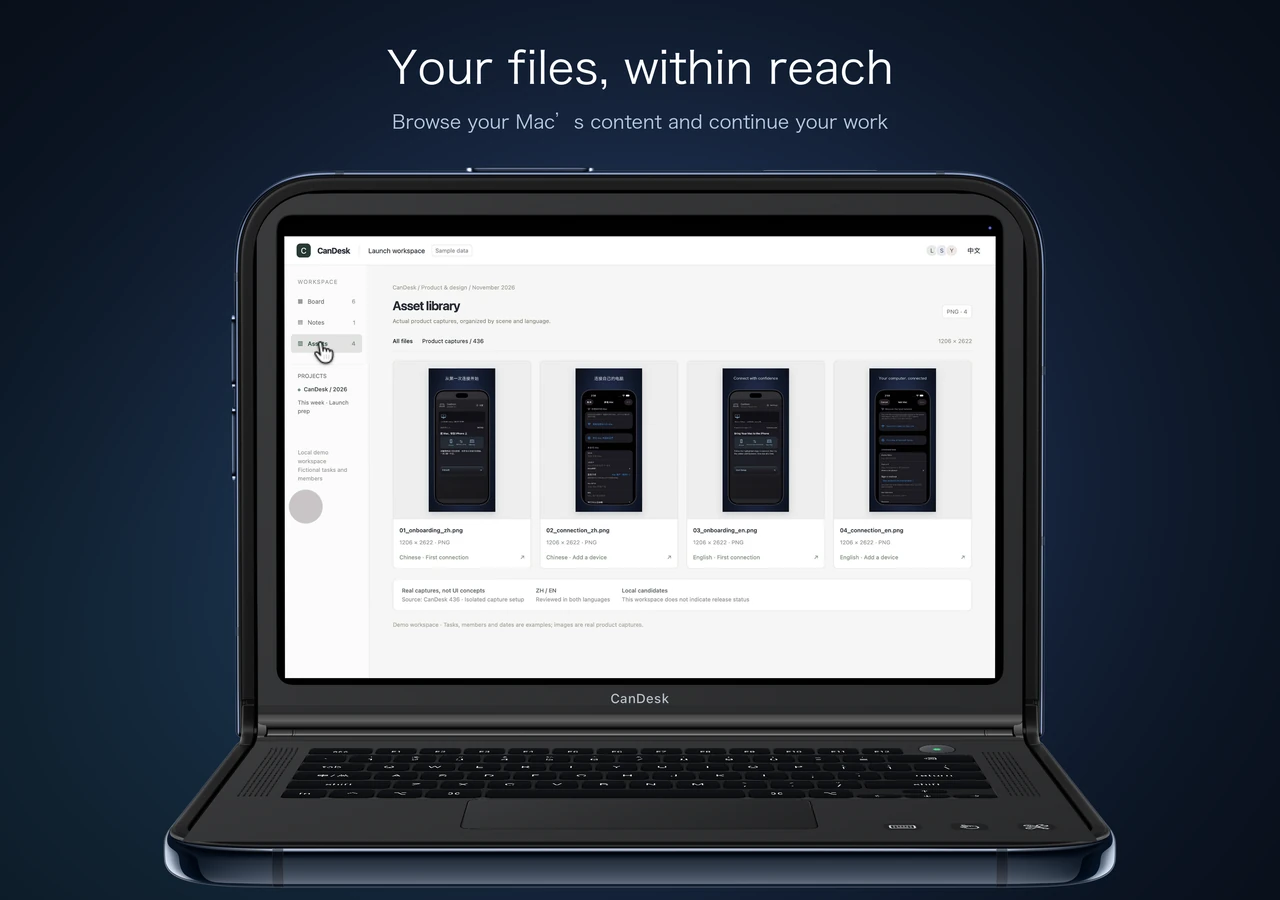
Connect to your own computer from iPhone. View your desktop, work in your apps, and bring up a keyboard or trackpad when you need it.
Continuous CanDesk 436 device recording, connected to M4 MacBook. Demo workspace shown at original speed.
CANDESK / IN USE
A WORKSPACE THAT MOVES WITH YOU
Use macOS Screen Sharing. Ordinary screen sharing needs no assistant.
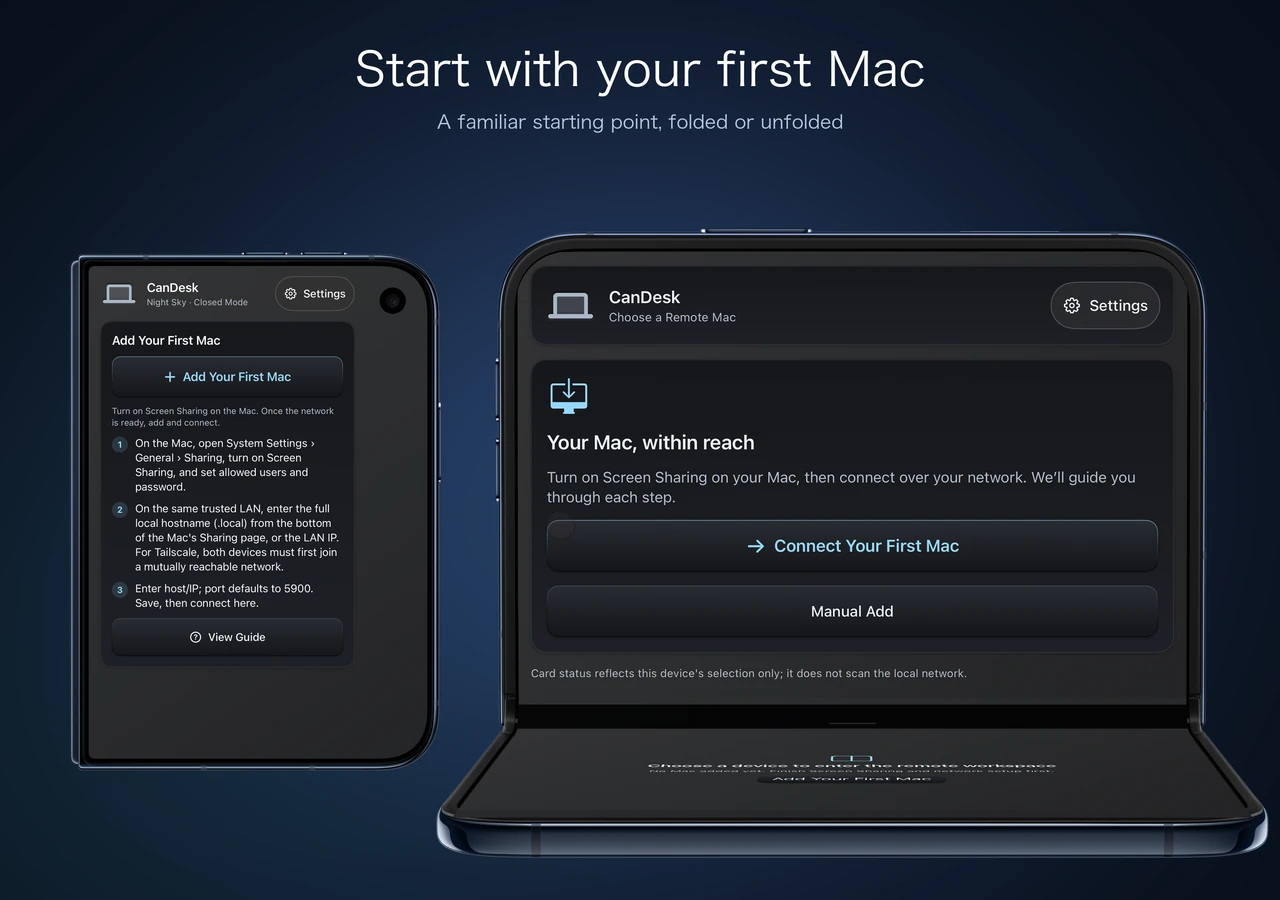
On compatible devices, combine desktop and controls when half folded, or use a larger canvas when open.
Switch between keyboard and trackpad and use familiar shortcuts.
Requires a Mac with Screen Sharing enabled and a network connection your iPhone can reach. Use a trusted local network or configure your own private network for remote access. CanDesk does not provide a VPN, public relay or hosted computer. Some enhancements require a paired assistant, permissions and applicable Pro access.