
EXPLORATION 04 / Yellow
Your photos.
A corridor to wander through.
Find a moment in time and gather it into a chapter. Yellow brings photos and videos into a palm-lined corridor, ready to revisit on Mac or explore in space on Vision Pro.
- WHO IT’S FOR
- People who want to spend more time with their memories
- PLATFORMS EXPLORED
- Mac / Vision Pro
- CURRENT STAGE
- Vision Pro available · Mac in review
See the project as it is.
All four views, shown together. Select an image to enlarge.
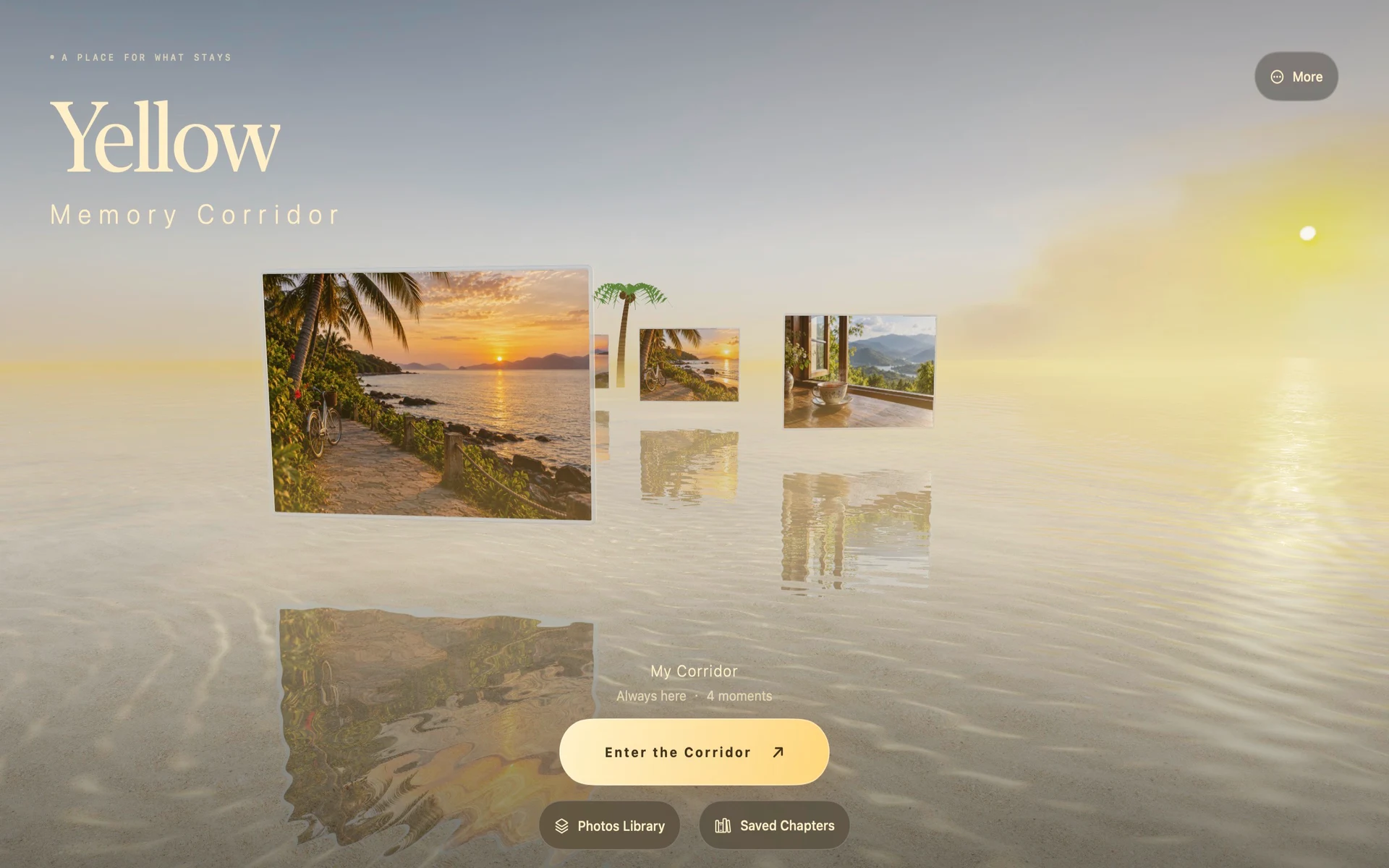
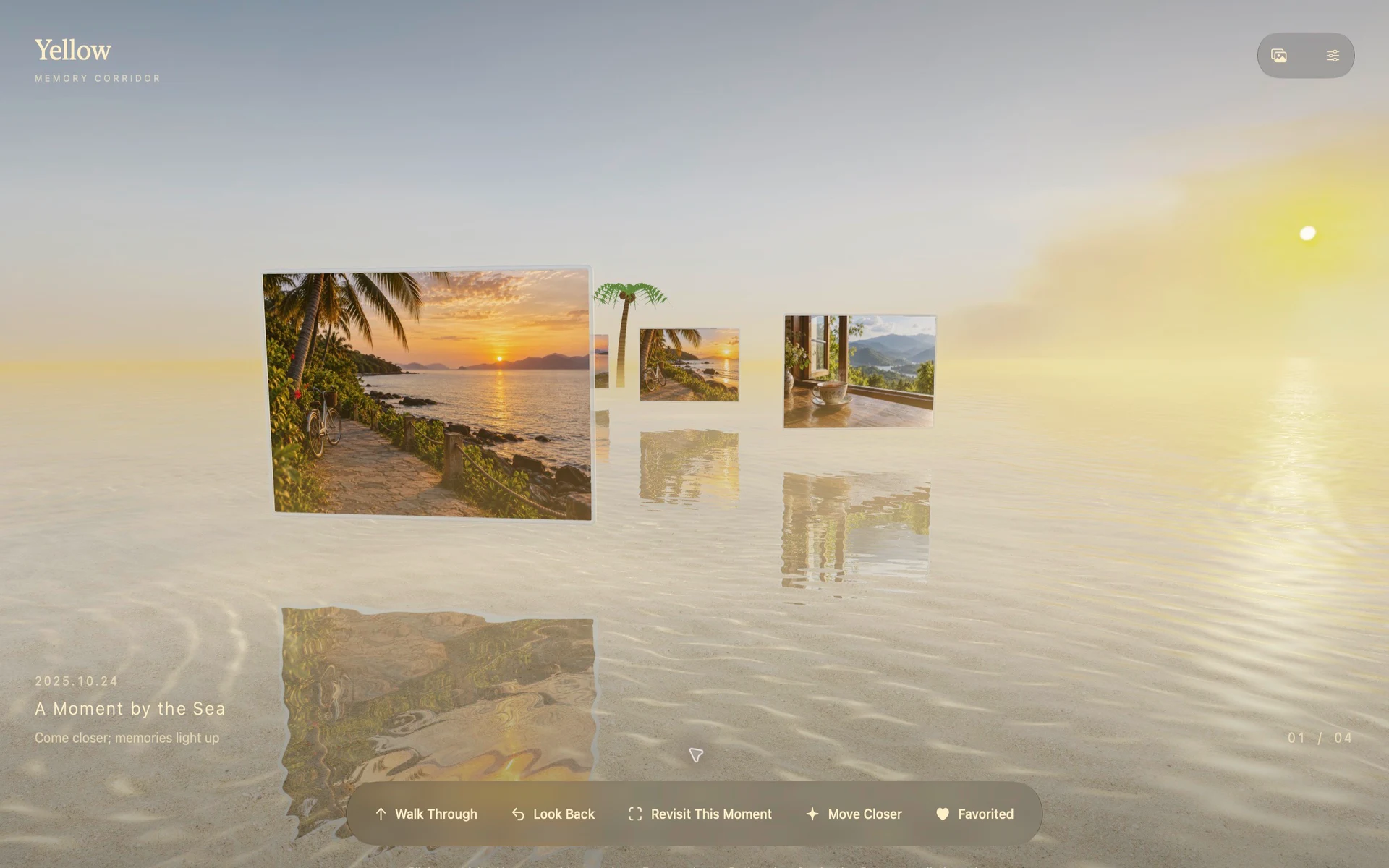
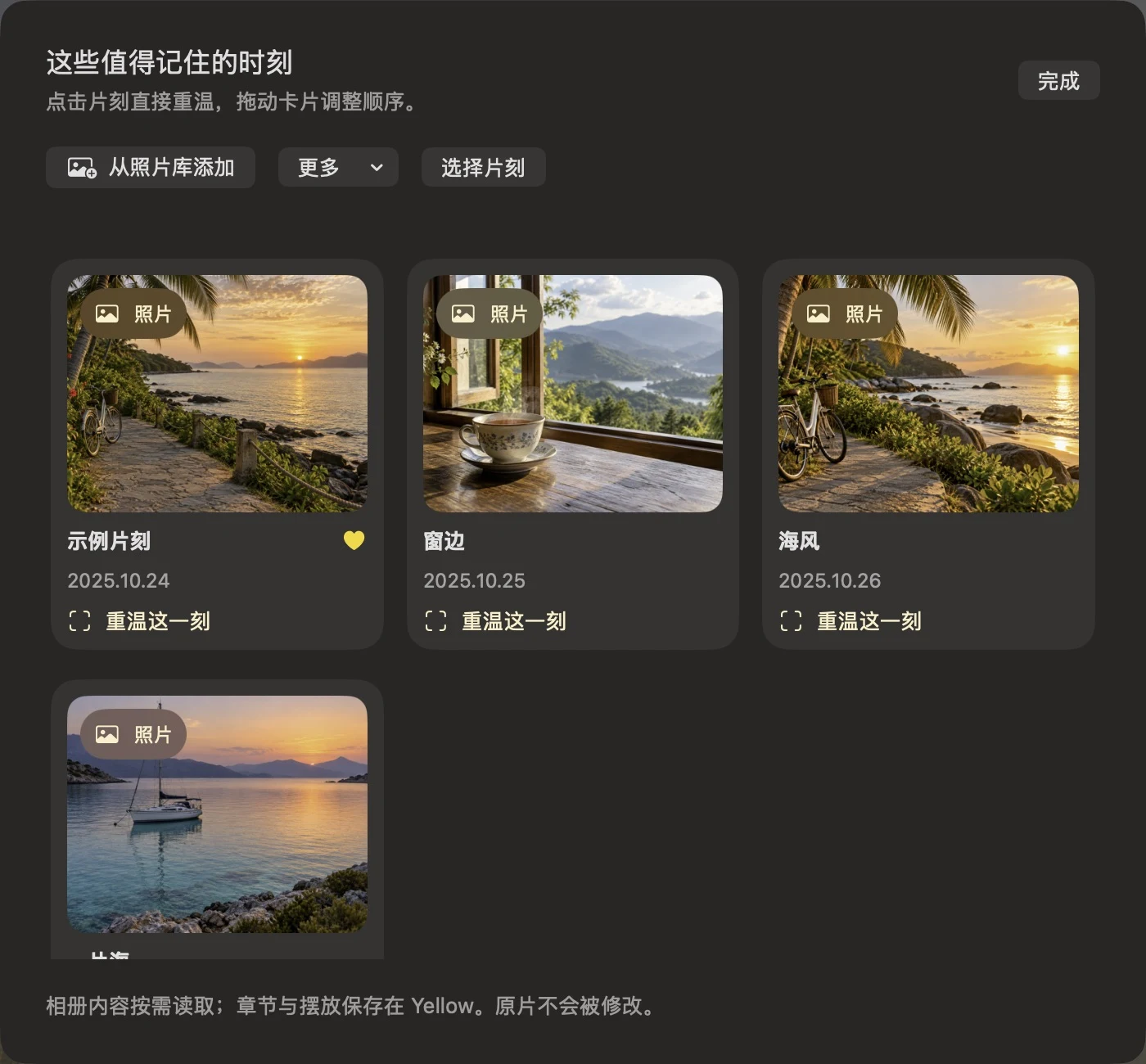
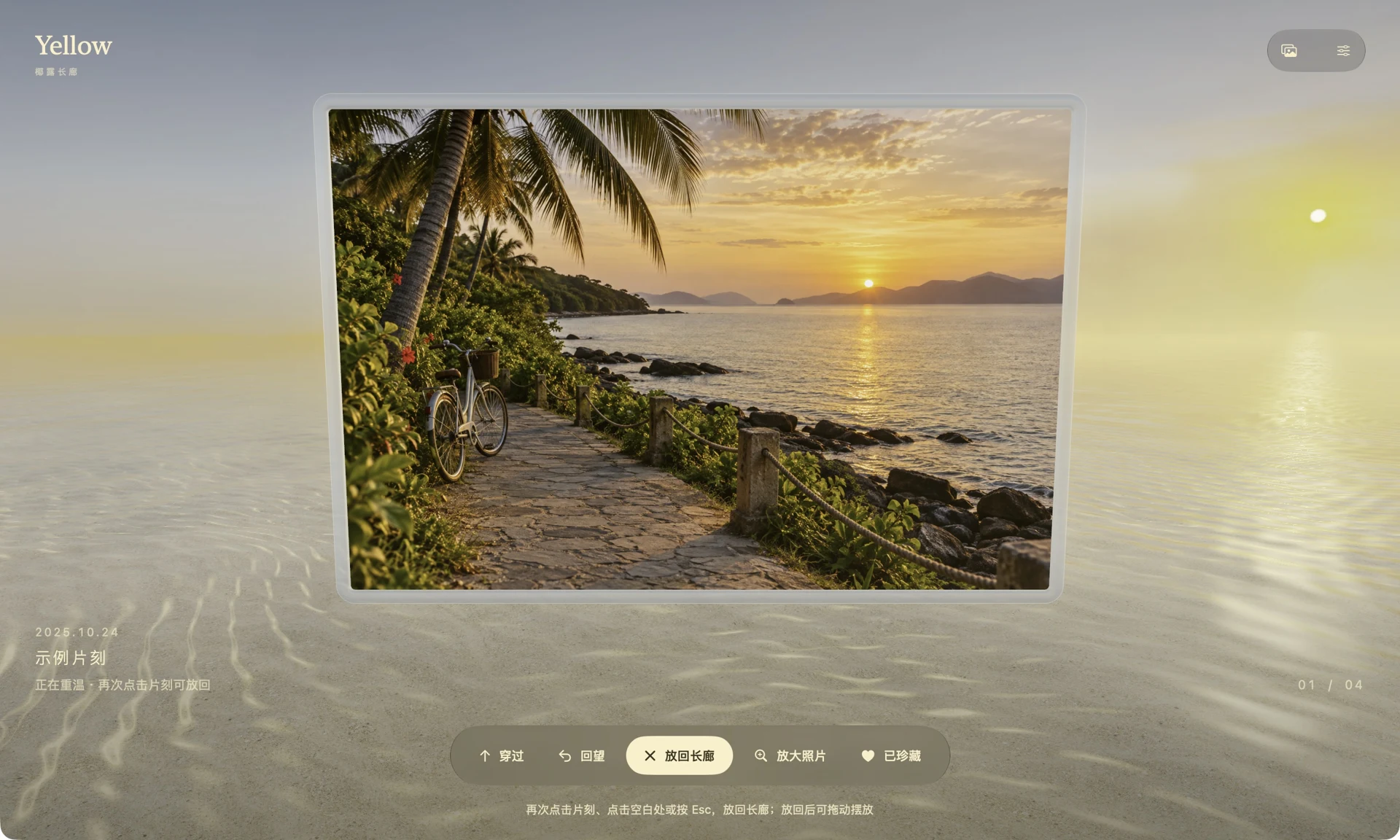
Step into the corridor.
THE QUESTION
When did you last revisit the moments you captured?
A growing library can leave older moments out of sight. Yellow connects dates, chapters and spatial browsing, giving a trip or an ordinary day a place you can return to.
Find a moment in time
Browse permitted photos and videos by date and adjust the time range to explore your library.
Make a chapter your own
Gather selected moments into chapters stored on your device, then return to them whenever you like.
Take your time in the corridor
Explore and arrange with a mouse or trackpad on Mac, or experience photos and ambient sound in space on Vision Pro.
THE EXPERIENCE
An idea.
A path to use.
- 01
Choose
Allow access to the photos you need, or add content from files.
- 02
Gather
Choose moments and organize a chapter.
- 03
Explore
Revisit and arrange at your own pace.
A WORK IN PROGRESS
From a desktop library to memories in space.
The Vision Pro app is available, and the Mac app is in review. This page shows a Vision Pro screen recording and the native Mac interface with photos prepared for public presentation. Photos, chapters and arrangements are primarily handled on device; Yellow does not upload your photos to developer servers. See support for the free tier and full-feature unlock. Chapters and arrangements are stored separately on each device.
Talk about this projectView on the App Store ↗ Support & Quick Start ↗ · Privacy Policy ↗