EXPLORATION 03 / AiPod
A turn of the wheel.
A view of your work.
Give iPhone a new form with our own printed enclosure, and bring recent tasks from a compatible Codex desktop close at hand. Use the on-screen wheel to browse and read, and voice to shape an editable draft.
- WHO IT’S FOR
- Developers and creators working across Codex desktop tasks
- PLATFORMS EXPLORED
- iPhone / Mac
- CURRENT STAGE
- Pro · Evolving
See the project as it is.
From our printed enclosure design to the native app interface.
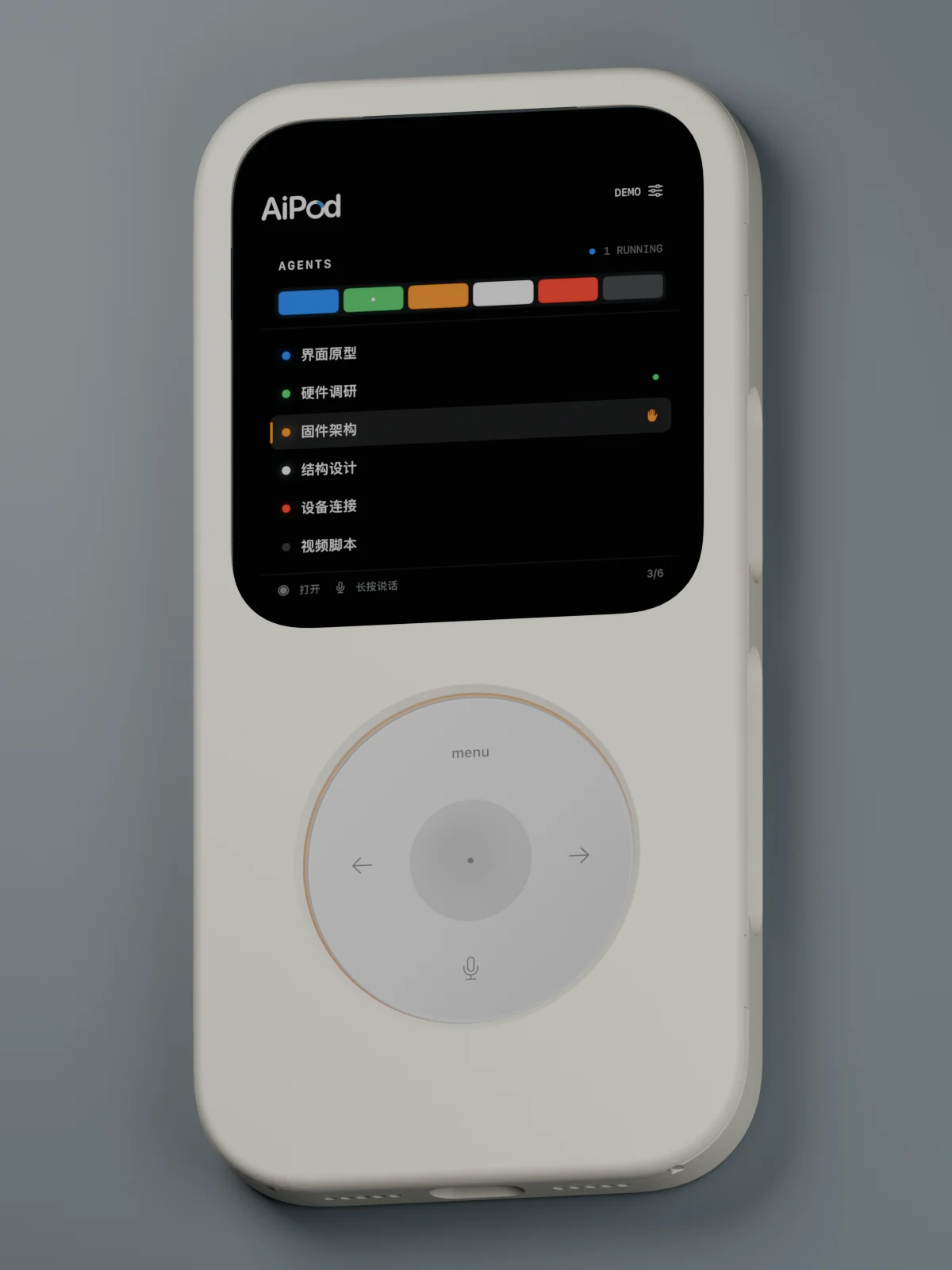
Our bone-white printed enclosure with the refreshed native interface. DEMO tasks shown.
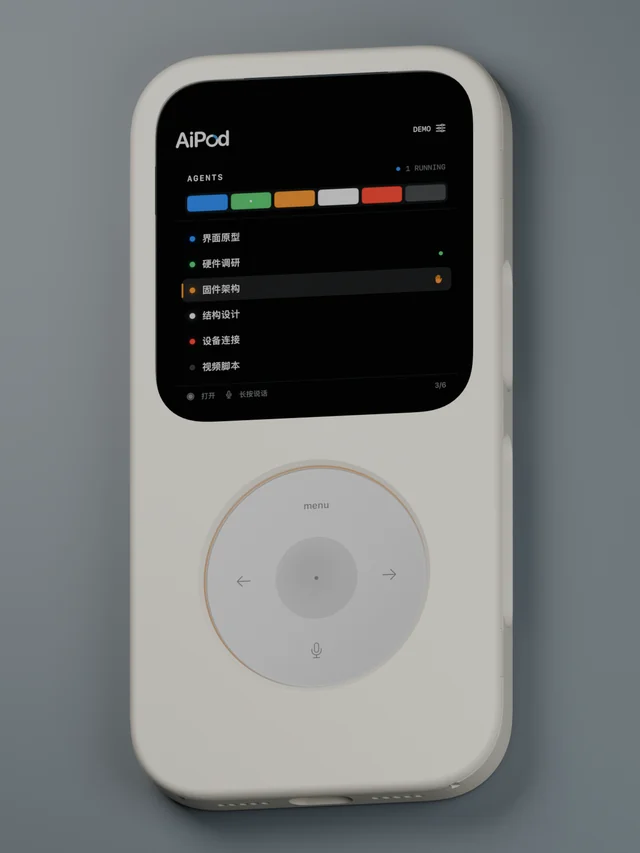 AiPod · F20 enclosure × refreshed UI / Design render
 AiPod · Native UI × F20 enclosure / DEMO
 AiPod · Native UI × F20 enclosure / Test task
 AiPod · Native UI × F20 enclosure / Test draft
THE QUESTION
How do you keep an eye on work away from the desktop?
Tasks keep moving even when your attention moves elsewhere. AiPod brings recent task states and details to your phone, with a familiar wheel for browsing, reading and collecting your next thought.
Turn to a task
Browse up to six recent tasks. Turn to focus, press the center to enter, then page through details or read the full text. Colors, dots and state icons distinguish progress, with short prompts for the next action.
Speak. Then refine.
Hold the microphone to create an editable draft. Review the target, text and available action before confirming. Mandarin recognition runs on-device, with keyboard input available when recognition is not.
Keep progress nearby
Your Mac helper reads tasks from a supported desktop build. Sound and haptics can signal changes; connection state and update times help distinguish fresh information from an older snapshot.
THE EXPERIENCE
An idea.
A path to use.
- 01
Connect your Mac
Follow the support guide, check desktop compatibility and pair your devices.
- 02
Browse and read
Choose a recent task to see its state, details and full text.
- 03
Shape the next step
Use voice or the keyboard to draft a thought, then review its target and available actions.
A WORK IN PROGRESS
A familiar wheel. A new way to follow work.
The bone-white enclosure comes from our F20 print geometry. Every view uses native captures of the refreshed interface mapped into that CAD enclosure, presented as design renders with DEMO or UI TEST sample tasks. State icons, shorter prompts and reading progress make the interface easier to scan. The notarized Mac helper preview is available; the iPhone App Store release is still in preparation. Enclosures are model-specific and durability remains under validation. Live sync requires your Mac and a compatible Codex desktop build. Fresh-device pairing and long-term automatic recovery remain under validation. AiPod is an independent CanTechStudio tool, not an official OpenAI or Apple product.
Talk about this project